Sign Up for Console
Theta One AI's AI services are provided in the form of an Application Programming Interface (API) that is convenient for SW developers to use, and management functions such as usage monitoring and billing are done through the Theta One API Console webpage.
Therefore, you must sign up for the API Console, register a payment method, and issue an API authentication key to use Theta One AI's services.
Access the Console
Click here or directly enter the link below in your web browser to access the Theta One API Console.
Go to the Sign-Up Page
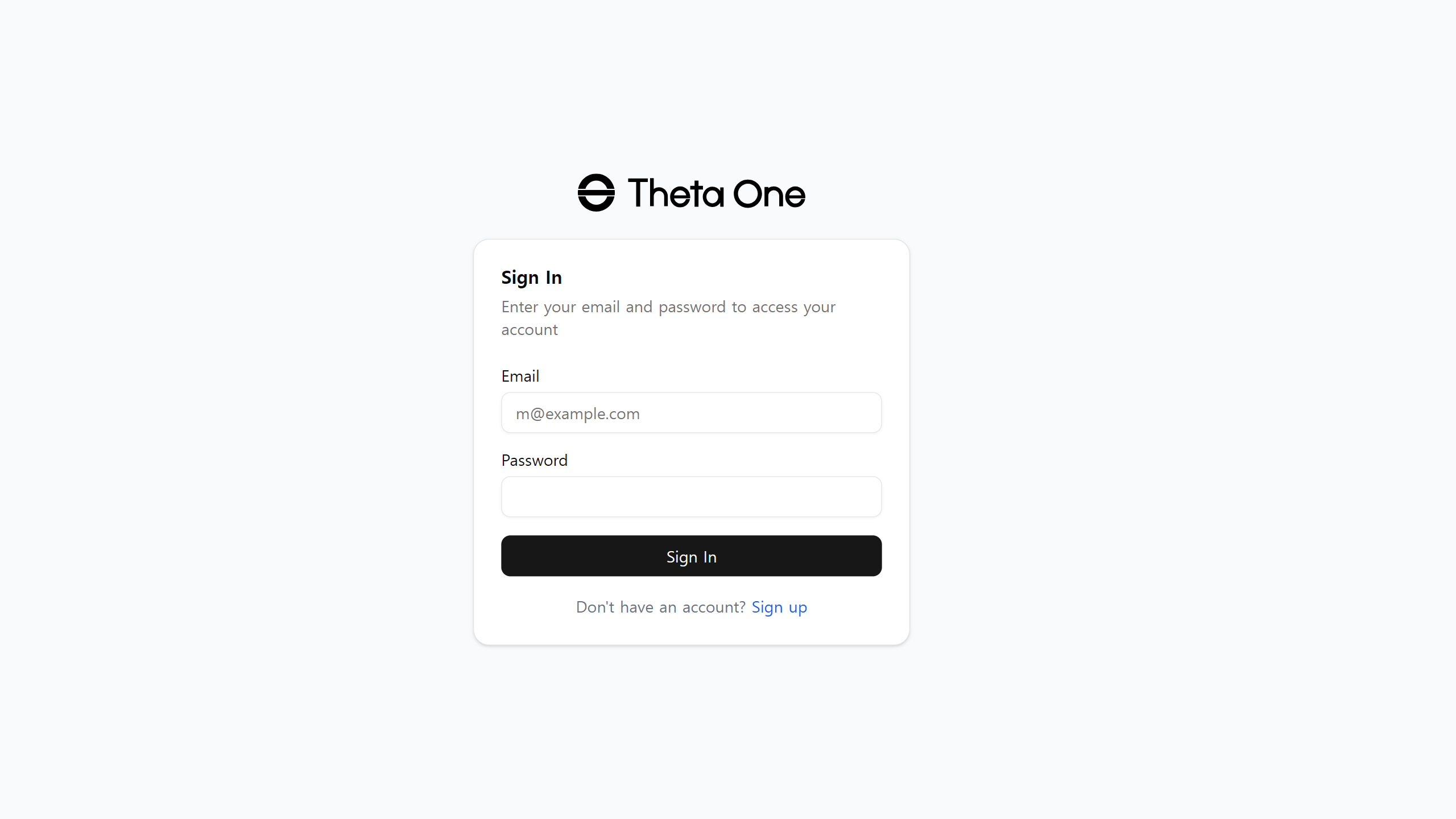
Click the Sign up text at the bottom of the login page to go to the sign-up page.
Proceed with Sign-Up
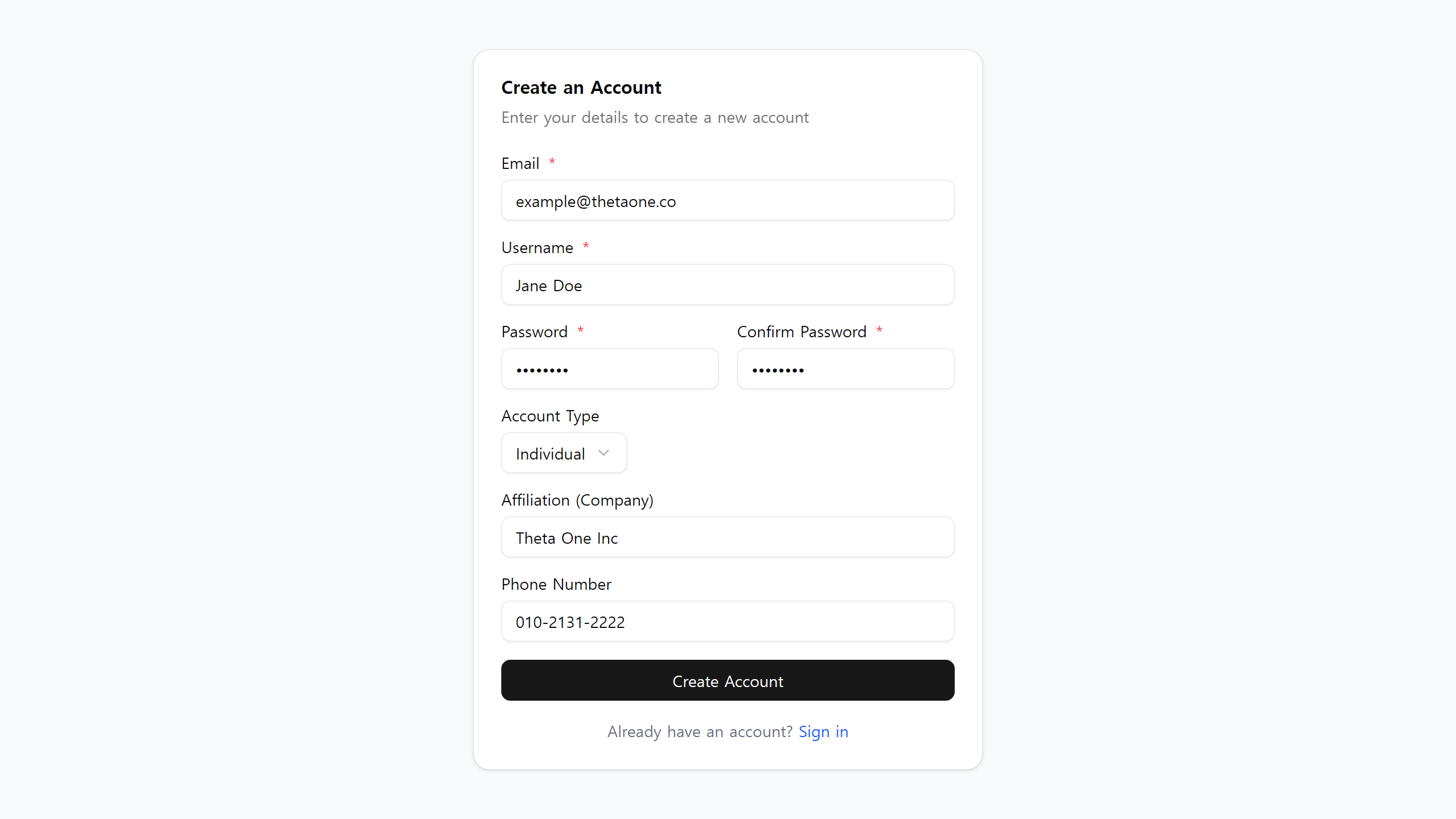
Enter your email, password, username, and optional information on the sign-up page.
Required agreements
Before the Create Account button is enabled, you must agree to the following. The exact list is determined by your detected region (Korea, EU/EEA, United States, or other).
- Age. You confirm you are at least 19 years old. Theta One is an adults-only service.
- Terms of Service. The legal agreement between you and Theta One.
- Privacy Policy. What personal data we collect, how we use it, and your rights.
- Acceptable Use Policy. Prohibited uses (no biometric ID, emotion recognition, deepfakes, etc.).
- (Korea only) Cross-border transfer. Because core infrastructure (Supabase, AWS, Stripe) is located in the United States, PIPA Article 28-8 requires your explicit consent to transfer personal data abroad. Without this consent we cannot provision your account.
Each agreement has a View link that opens the full document in a new tab.
Optional agreements
You can sign up without accepting these.
- Marketing emails — promotions and offers. Unsubscribe at any time.
- Product updates and newsletters — new features, changelogs, API announcements.
Consent audit
We record the version, timestamp, IP address, user agent, and detected jurisdiction for each agreement as evidence for PIPA, GDPR, and CCPA compliance. You can view and withdraw optional consents at any time from Settings → Privacy in the Console.
Press the Create Account button once all required items are checked.
Log In
Log in with the email and password you signed up with on the login page, and you will be connected to the dashboard screen as shown below.
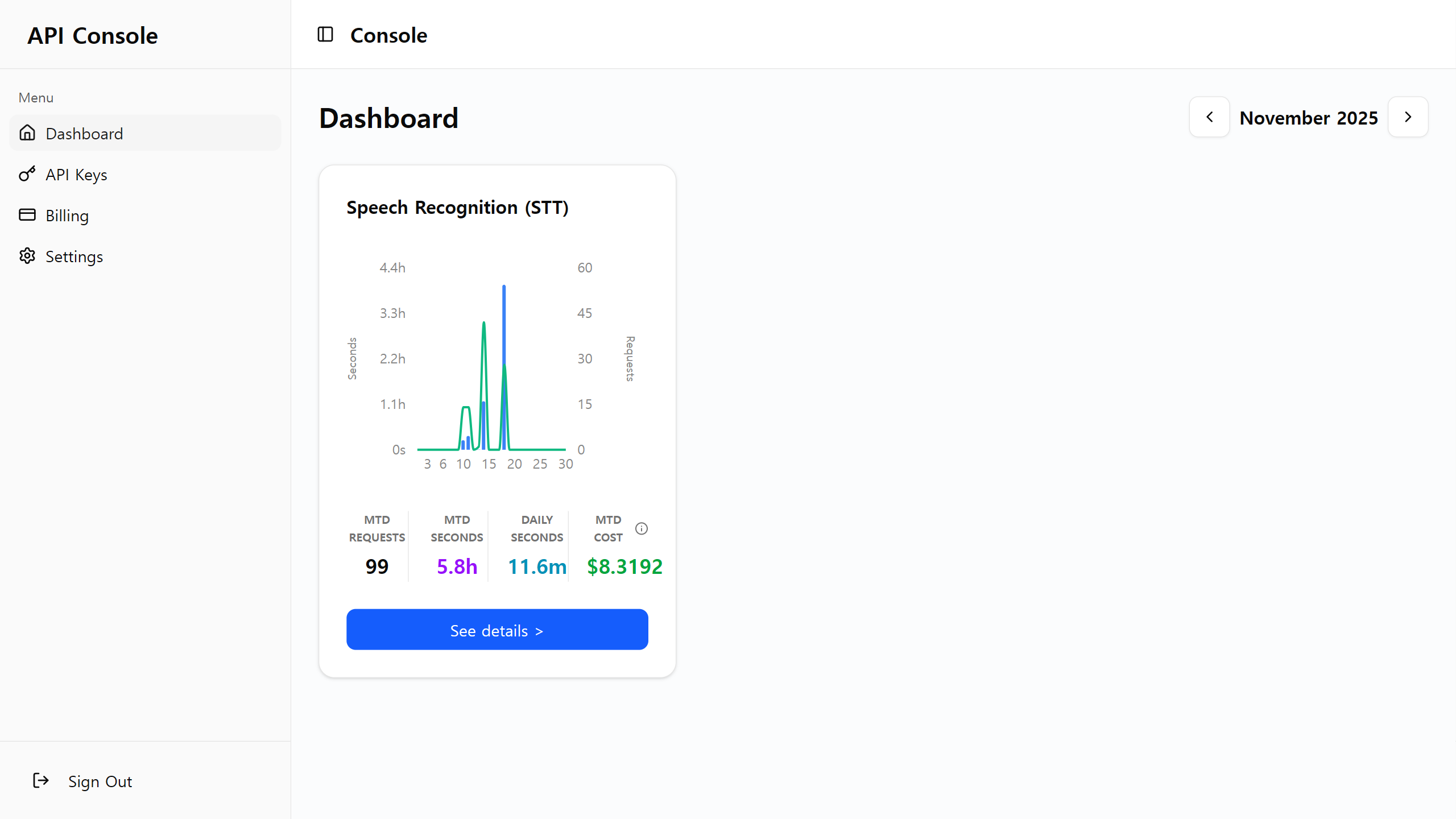
If the page is displayed normally, sign-up is complete.
Now you can go to the API key management screen, payment management screen, or account settings screen from the left sidebar.
Next Steps
To continue using the API, you need to top up prepaid credits and issue an API key.